Record reconciliation
Compare approved source records using agreed tolerances. Show the discrepancy and its origin instead of silently resolving an ambiguous entry.

Organize tax documents and prepare review-ready working papers for accounting teams.
The work, in detail
Statements, expense records and supporting documents often arrive in different formats with incomplete context.
Agree the operating rules first, then introduce automation in reviewable stages.
Use extract fields with references to the source documents within the agreed scope of individual itr (income tax return) filing agents for accounting & auditing. Define the responsible owner, the relevant source records and the checks that make the output useful.
Use prepare a draft checklist and working papers for the accountant within the agreed scope of individual itr (income tax return) filing agents for accounting & auditing. Define the responsible owner, the relevant source records and the checks that make the output useful.
Approved tax-year rules, secure document handling and qualified professional review. Filing and tax decisions remain with authorized people.
Compare representative examples with the current process. Review exceptions, correction effort, source traceability and handoff quality before expanding scope.
What takes shape
Final scope is agreed after discovery. These are the working outputs we can shape around your context.
Define the records, permissions and interfaces needed for organized working papers. Review a working example with the process owner before widening scope.
Connect source-linked extracted fields to a named reviewer and an action path. Include empty states, incomplete records and recovery behaviour in acceptance checks.
Document the production, review and maintenance of accountant review checklist. Keep the handover practical for the people supporting the system.
A connected delivery path
Prepare for a useful conversation
Bring representative authorized tax documents and statement extracts. Use synthetic or approved records when exploring the workflow; agree handling rules before live data is introduced.
Identify the business owner and the people who will use or review the output. For Individual ITR (Income Tax Return) Filing Agents for Accounting & Auditing, confirm who can approve changes and resolve exceptions.
Describe what works today, where it breaks down and how the proposed workflow will be reviewed. Compare quality and correction effort as well as speed.
Finance and controlled operations
Bring financial records, exceptions and follow-ups into a consistent review experience. The aim is a clearer basis for decisions, with source traceability and explicit approval boundaries.
Compare approved source records using agreed tolerances. Show the discrepancy and its origin instead of silently resolving an ambiguous entry.
Build reporting views from defined periods and reconciled fields. Retain calculation logic, source references and version history for reviewer checks.
Coordinate assigned accounts, reminders and case status. Restrict access by role and keep a record of changes to customer or financial information.
Define success before delivery
Choose a representative sample, record the current baseline and agree who accepts the result. These are evaluation criteria to discuss, rather than promised outcomes.
Reconciliation accuracy and unresolved exceptions
Source coverage and reproducibility of reports
Review turnaround and correction effort
Tax filing, financial advice and regulated decisions require qualified review. Automation supports preparation; it does not establish compliance or approval by itself.
From the project library
Explore the product patterns and operating context relevant to tax preparation assistance. Each profile explains its own scope and stage; adjacent examples do not imply the same solution has already been delivered.
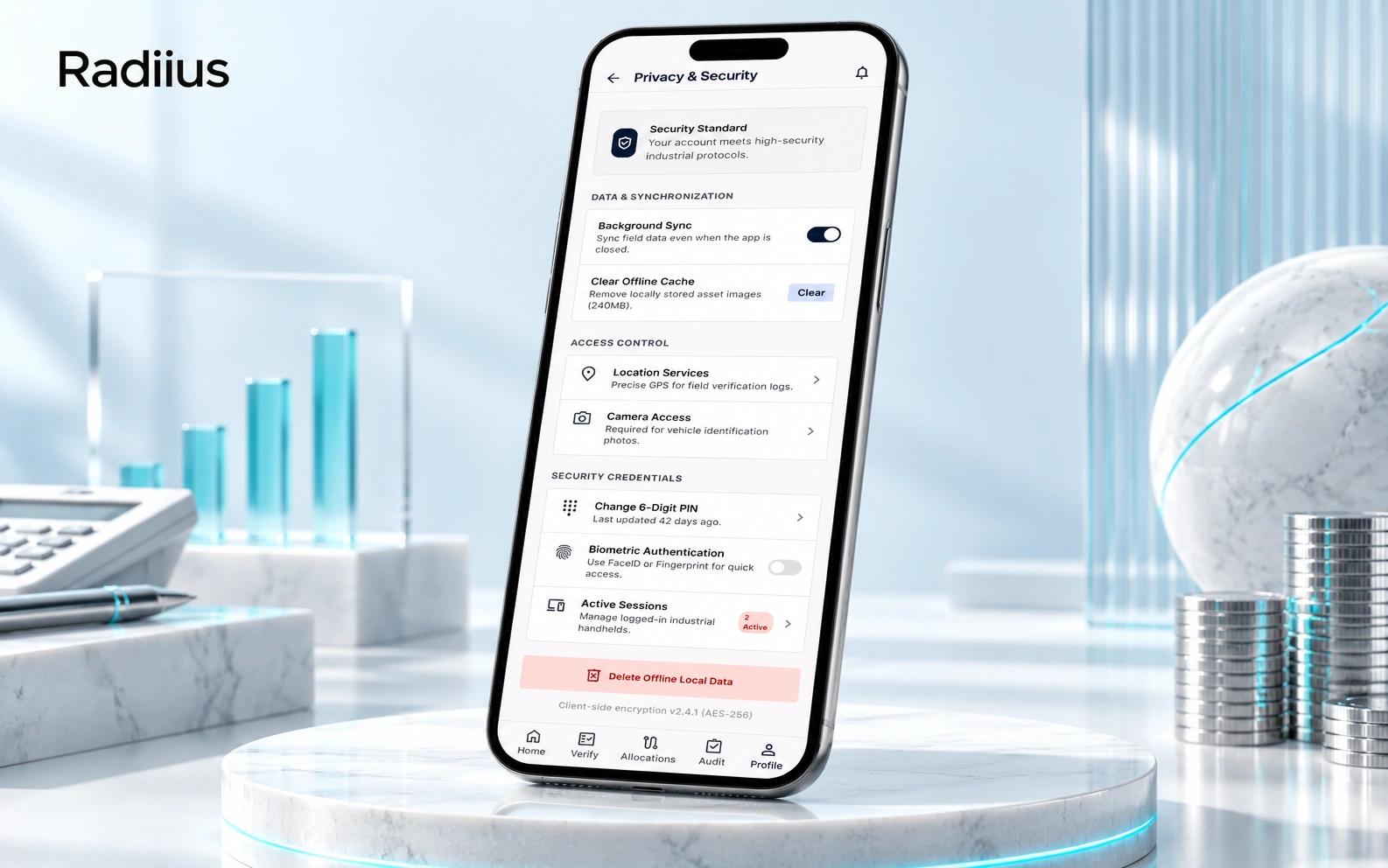
Pre-production · AI presentation artwork · design reference
A mobile-first operations application records outcomes, routes, promises and escalation history with role-scoped access.
Collection teams need accountable follow-ups, traceable assignments and prompt visibility into payment discrepancies.
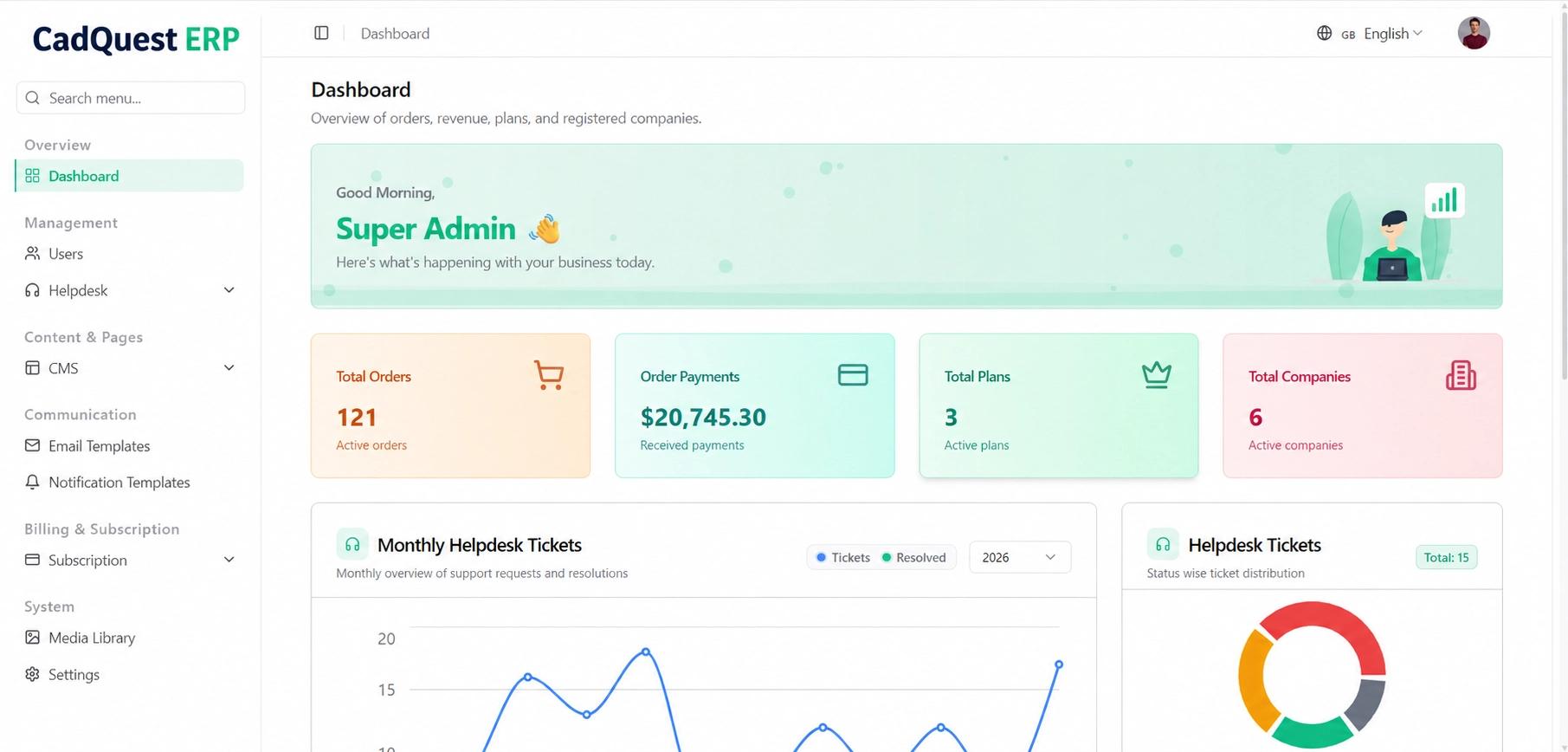
Application · CadQuest ERP · branding-edited preview
A Laravel ERP source tree groups commercial, accounting, employee and project modules around shared business records.
Finance, HR, sales and project records become fragmented when departments use separate spreadsheets and tools.
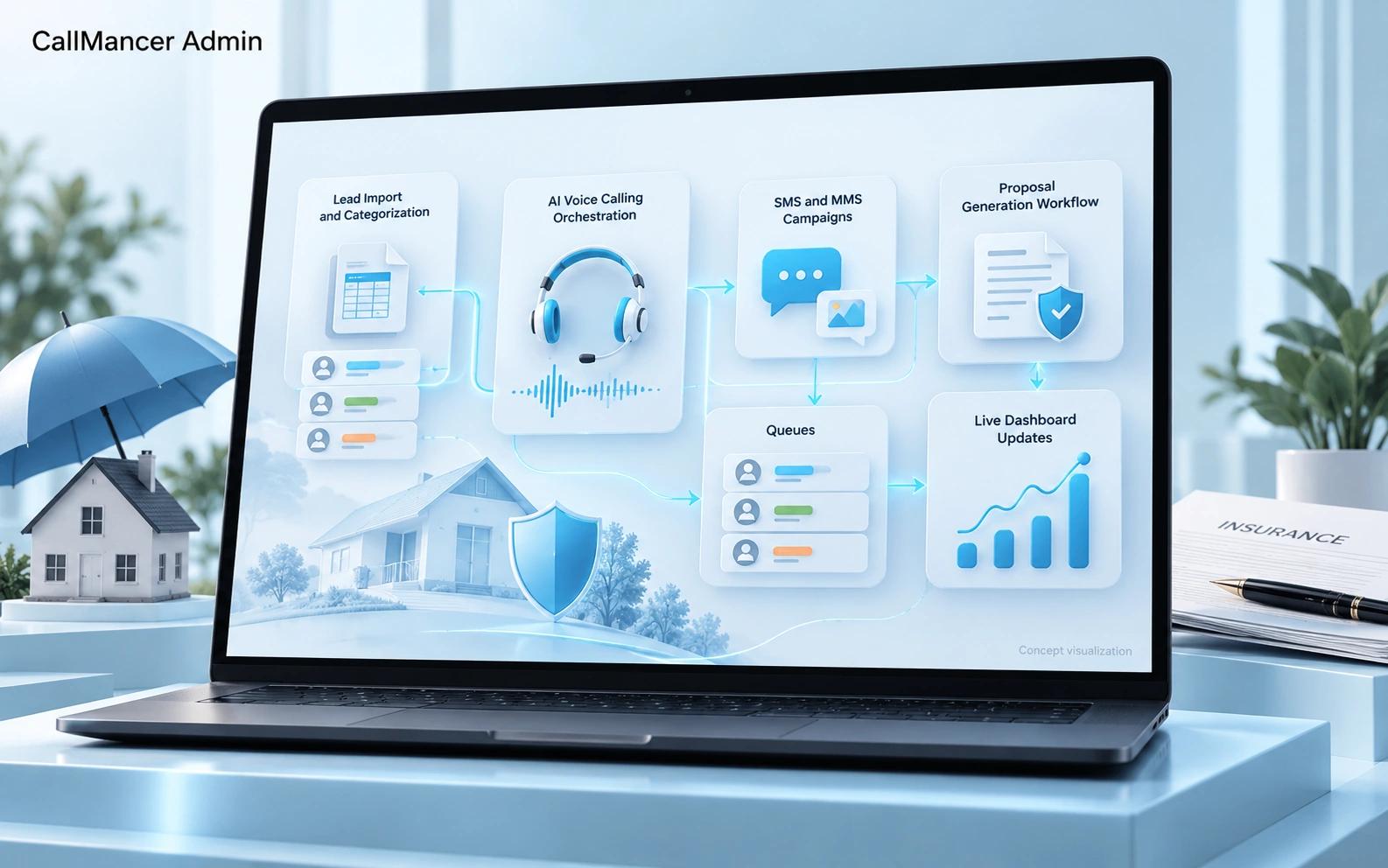
Application · AI concept visualization · project scope
An administration platform coordinates leads, voice and message campaigns, proposal workflows and live operational updates.
Repeated lead outreach, calling schedules and proposal follow-up are difficult to coordinate across separate tools.
Project profiles describe their available scope and development stage. Interface captures, documentation and workflow concepts are labelled separately; they are not claims of measured business results.
Before we begin
Start with the current task, its owner and the systems involved. Representative authorized tax documents, statement extracts, missing-information checklist, accountant review rules help us assess scope. A finished technical brief is not required.
Scope is agreed after discovery. A useful starting point is organized working papers, with the essential review path and an acceptance check. Source-linked extracted fields and Accountant review checklist can follow where the operating case supports them.
We assess accounting exports, erp records, document repositories for permitted access and usable interfaces. Integration feasibility, data quality and ownership are confirmed before implementation commitments.